
For art studios
Run your art studio. Less admin, more making.
Art class registration software for studios that teach classes and run open studio — booking, scheduling, and payments in one place, mobile-first.
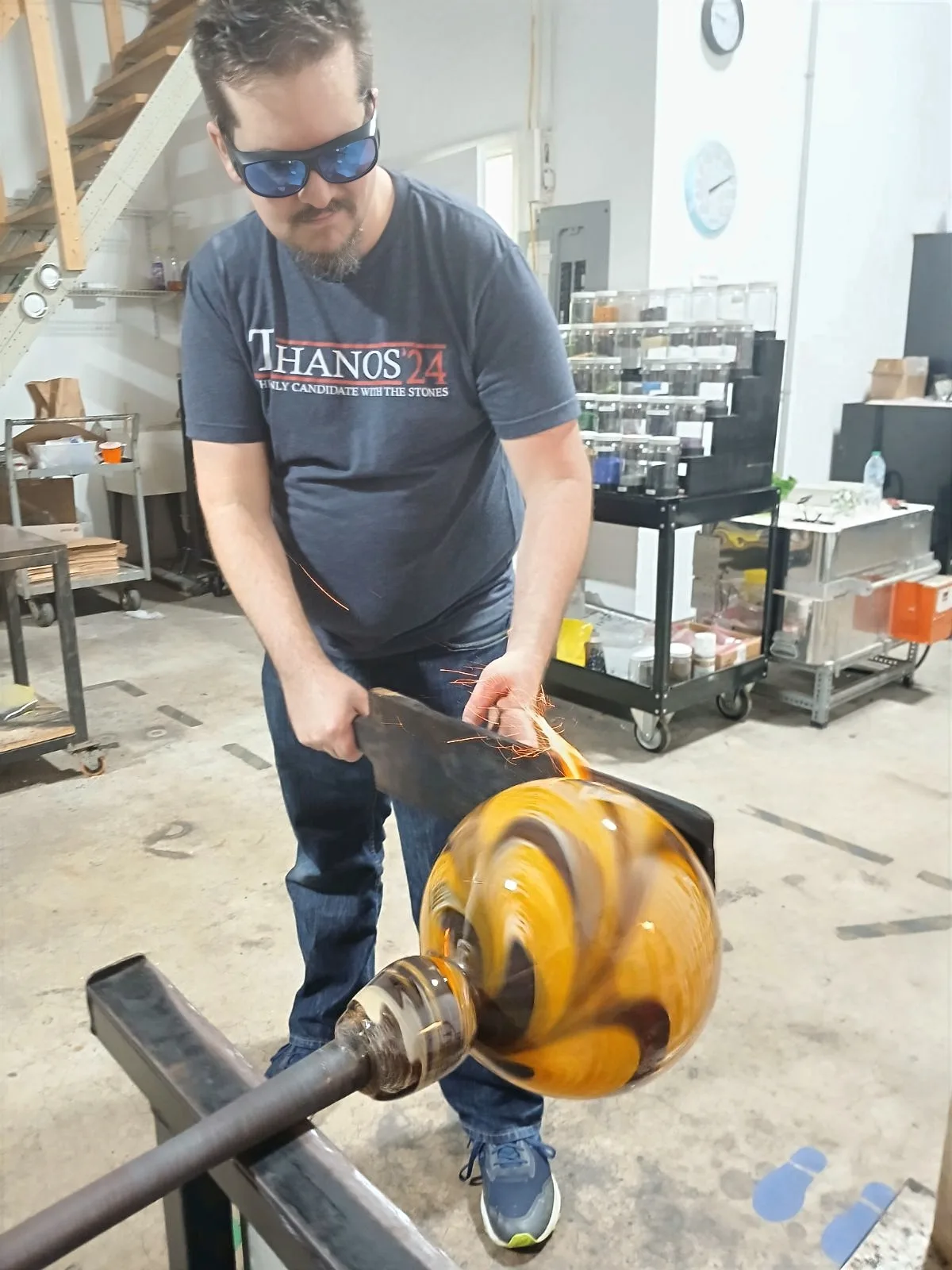
Built by Craig Mackles, a portrait and glass artist from New Orleans, and co-founded with Ava Flynn — for studios from painting to pottery to glassblowing, not gym or spa software.
- Built by working artists
- Payments into your own Stripe — we never hold your money
- Grandfathered pricing — your rate is locked
- No lock-in — your data is yours
- Free, permanent Setup Mode
- Mobile-first by design
01 / Registration
Art class registration on autopilot.
Students sign up, you teach. Atelier Studio™ is art class registration software that handles recurring class series, single workshops, and master classes in one calendar — with class-size caps and cancellations managed for you. Multiple schedule types ship on every plan: capacity-based scheduling for group classes with seat counts, and resource-based scheduling for instructor and room availability, ideal for private and semi-private lessons. Term-based recurring classes run on every plan; committed multi-week term enrollments with up-front or autopay-split payment are a Premium-tier option.
- Recurring class series and one-off workshops in one calendar
- Capacity-based scheduling for group classes with seat counts — every plan
- Resource-based scheduling for instructor and room availability — every plan
- Class-size caps with automated waitlist promotion (Standard and above)
- Term-based recurring classes on every plan; committed term enrollments on Premium

02 / Booking widget
A booking widget that lives on your existing site.
Don't rebuild your gallery site to take registrations. Atelier Studio™ ships a booking widget for art classes as a single universal script tag that drops into any site you already have — anywhere you can paste a script. Your design stays; the widget handles class lists, sign-ups, and checkout. It works on static HTML, Squarespace, Wix, WordPress, or anywhere scripts run, inherits your typography and brand colors, and is mobile-first by default — themable from your account.
- One-line install — a single universal
<script>tag - Works on Squarespace, Wix, WordPress, static HTML, or anywhere scripts run
- Inherits your typography and brand colors; themable from your account
- Mobile-first by default

03 / Payments
Online payments with predictable fees.
Art studio margins are thin — your software shouldn't take more than its share. Atelier Studio™ collects class and workshop fees, plus class packs and memberships for recurring revenue, with secure card, debit, and ACH online payments through Stripe (Standard and above). Every plan can record cash and other offline payments and processes into the studio's own Stripe account — payments land in your account, never ours. On Standard and Premium the platform fee is 0.75% per checkout, capped at $2 (per checkout, not per item); standard Stripe processing fees apply separately. Your rate is grandfathered and locked the day you join.
- Secure card, debit, and ACH online payments via Stripe (Standard and above) — paid into your own Stripe account
- Process into your own Stripe account on every plan — we never hold the money
- Class packs and memberships for recurring revenue (Standard and above)
- Platform fee 0.75% per checkout, capped at $2, on Standard and Premium
- Record cash and offline payments alongside online ones — every plan

Built for every kind of studio that teaches
Pottery, ceramics, painting, glassblowing, and the studios in between.
The mechanics of running classes are the same whether you teach watercolor or wheel-throwing. Pottery and ceramics studios get the universal operations they actually need — registration, open studio, memberships, and payments — without being shoehorned into gym or spa software.
-
01 / Pottery & ceramics
Open studio, classes, and memberships
Open-studio scheduling, class registration, and class packs and memberships (Standard and above) — the operations a ceramics studio runs on.
-
02 / Painting & drawing
Term courses & group classes
Multi-week term-based recurring classes and skill-level group classes with seat counts.
-
03 / Glassblowing & metal
Instructor-led sessions
Instructor-led sessions and intensives scheduled by resource and capacity.
-
04 / Workshops & privates
One calendar for one-off and one-on-one
One-day workshops, weekend intensives, and private lessons scheduled alongside group classes in one calendar.
Common questions
Art studio software FAQ
Is this art class registration software, or a tool for selling artwork?
It's software for running a studio that teaches — class registration, online booking, scheduling, waitlists, and payments. Atelier Studio™ is not an artwork-inventory catalog or a digital-art creation tool. If you teach classes or run open studio, it's built for you.
Does it work for a pottery or ceramics studio?
Yes. Pottery and ceramics studios use Atelier Studio™ for the universal operations they need: class registration, open-studio scheduling via resource and capacity schedule types, memberships and class packs (Standard and above), automated waitlists (Standard and above), and payments into their own Stripe account. It does not manage kiln firing schedules, firing-fee billing, or piece tracking.
Can I add the booking widget to my existing website?
Yes. The booking widget is a single universal script tag you paste into any site — Squarespace, Wix, WordPress, static HTML, or anywhere scripts run. Your site's design stays; the widget handles class lists, sign-ups, and checkout, and is mobile-first by default. There's no separate plugin to install.
How do payments and fees work?
Every plan processes into your own Stripe account — we never hold your money — and can record cash and offline payments. Secure online card, debit, and ACH payments are available on Standard and Premium. On those plans the platform fee is 0.75% per checkout, capped at $2; standard Stripe processing fees apply separately at published rates. The rate you sign up at is grandfathered and locked for the life of that subscription on that plan.
What does it cost to get started, and is there a trial?
You can Sign Up Today at no cost. After signing up you enter Setup Mode — free and permanent — to configure your studio and import your data at your own pace, with no trial clock running. When you're ready you click Launch Studio, and that's when the 14-day free trial begins. Craig reaches out personally to learn about your studio and help you set up.
Can I move my data in, and can I leave if I need to?
Yes to both. Data import and export are available on every plan — there's no lock-in, and if your old platform isn't supported yet we'll help build an importer for free. Your data stays yours.
Ready to start?
Your studio deserves art software that respects the craft.
Sign up in minutes. Setup Mode is free; the 14-day trial starts only when you click Launch Studio. No card required.